Neo-Brutalist Angular Media Frame
Media Frame
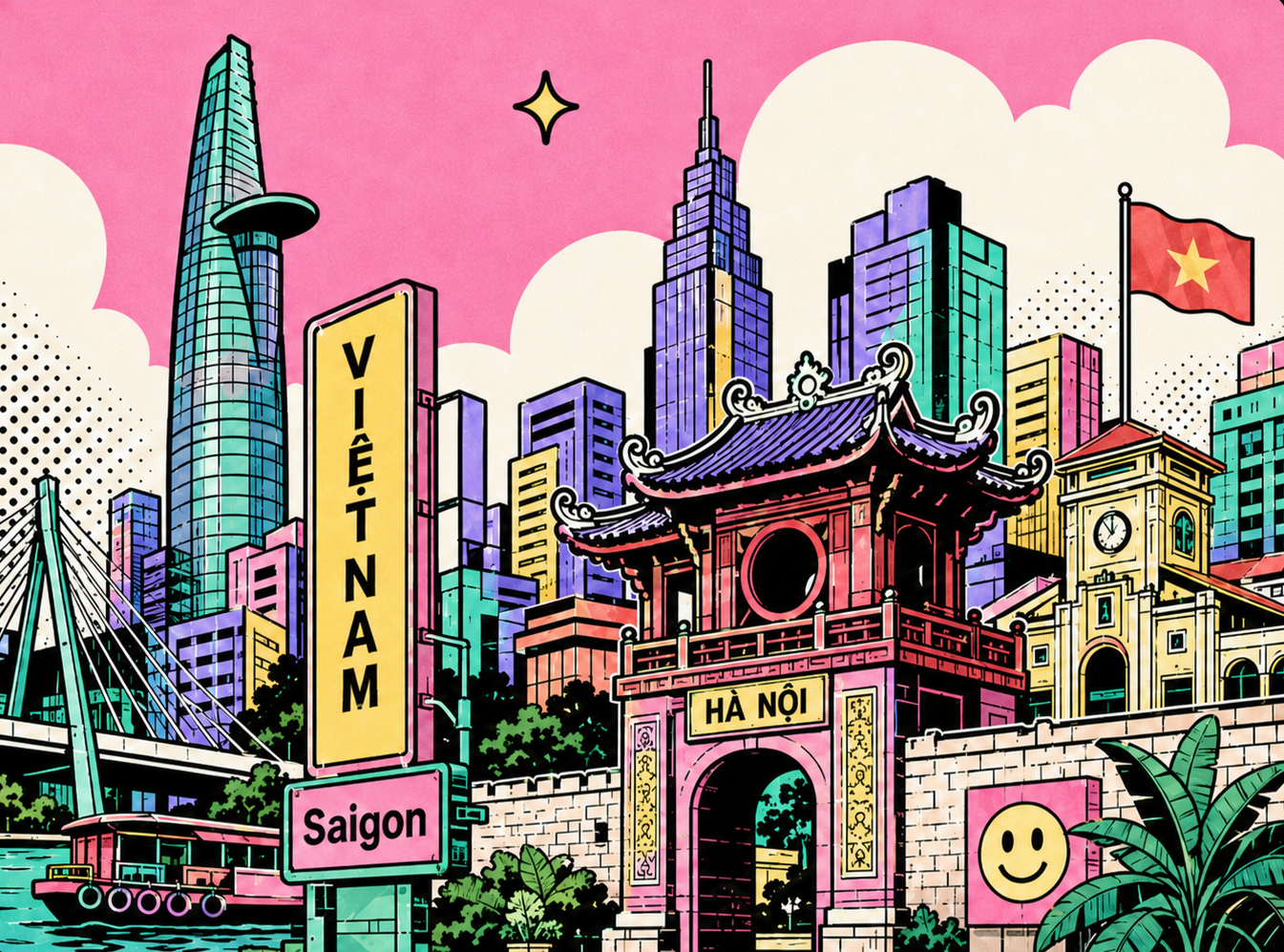
Use nbMediaFrame for framed visual content: images, video, illustrations, portraits, waveforms, maps, product previews, or any media-like block.
Preview
Usage
Add the directive to the element that owns the frame. Captions, labels, badges, and actions belong outside the primitive.
Import
import { NbMediaFrame } from '@ng-brutalism/ui';Template
<div nbMediaFrame>
  <img src="/..." alt="" />
</div>

<div nbMediaFrame ratio="16/9" tone="lavender">
  <video src="/..." />
</div>

<div nbMediaFrame ratio="1/1" fit="cover">
  <img src="/profile.png" alt="Profile" />
</div>
Ratios
AutoNo ratio enforced — content defines the height
1 / 1Square — profiles, avatars, album art
3 / 4Portrait — headshots, covers, vertical art
4 / 3Classic photo — product cards, listings
3 / 2Editorial — standard photography ratio
16 / 9Video — presentations, hero images
21 / 9Cinematic — immersive panoramic banners
Fit
CoverFills the frame and crops to fit — best for hero images
ContainShows the full image, may reveal the background tone
FillStretches to fill the exact frame dimensions
Shape
SharpHard edges, no shadow — raw brutalist style
PosterRounded corners with a soft offset shadow
PortraitFully circular with a bold brutalist drop shadow
Customization
Override these CSS variables on :root, a wrapper, or the component element. More local values win, so per-instance styling can sit directly on the element.
| Token | Default | Used for |
|---|---|---|
| --nb-media-frame-bg | var(--nb-surface) | Frame background color. Reassigned by the tone input. |
| --nb-media-frame-fg | var(--nb-surface-foreground) | Frame foreground color. Reassigned by the tone input. |
| --nb-media-frame-border-width | var(--nb-border-width) | Frame border width. Reassigned by the shadow input. |
| --nb-media-frame-radius | 1rem | Frame corner radius. Reassigned by the radius input. |
| --nb-media-frame-shadow | none | Frame box shadow. Reassigned by the shadow input. |
| --nb-border | #000000 | Border color and focus ring color |
| --nb-shadow | #000000 | Offset shadow color |
| --nb-radius | 0rem | Corner radius through the rounded-nb utility |
| --nb-shadow-offset-x | 4px | Horizontal shadow and press offset |
| --nb-shadow-offset-y | 4px | Vertical shadow and press offset |
| --nb-foreground | #000000 | Default foreground text color |
| --nb-background | #ffffff | Default surface background color |
API
| Input | Type | Default | Description |
|---|---|---|---|
| tone | 'default' | 'cream' | 'white' | 'black' | 'yellow' | 'pink' | 'mint' | 'lavender' | 'blue' | 'primary' | 'secondary' | 'accent' | 'default' | Background color shown when content doesn't fill the frame. |
| ratio | 'auto' | '1/1' | '3/4' | '4/3' | '3/2' | '16/9' | '21/9' | 'auto' | Locks the frame to the given aspect ratio. 'auto' lets content define the height. |
| fit | 'cover' | 'contain' | 'fill' | 'cover' | Object-fit applied to direct img, video, and picture children. |
| radius | 'none' | 'sm' | 'md' | 'lg' | 'xl' | 'full' | 'lg' | Corner radius preset. Use 'full' for circular portrait frames. |
| shadow | 'none' | 'default' | 'hard' | 'none' | Offset shadow preset. 'hard' adds a bold 6 px brutalist drop shadow. |